
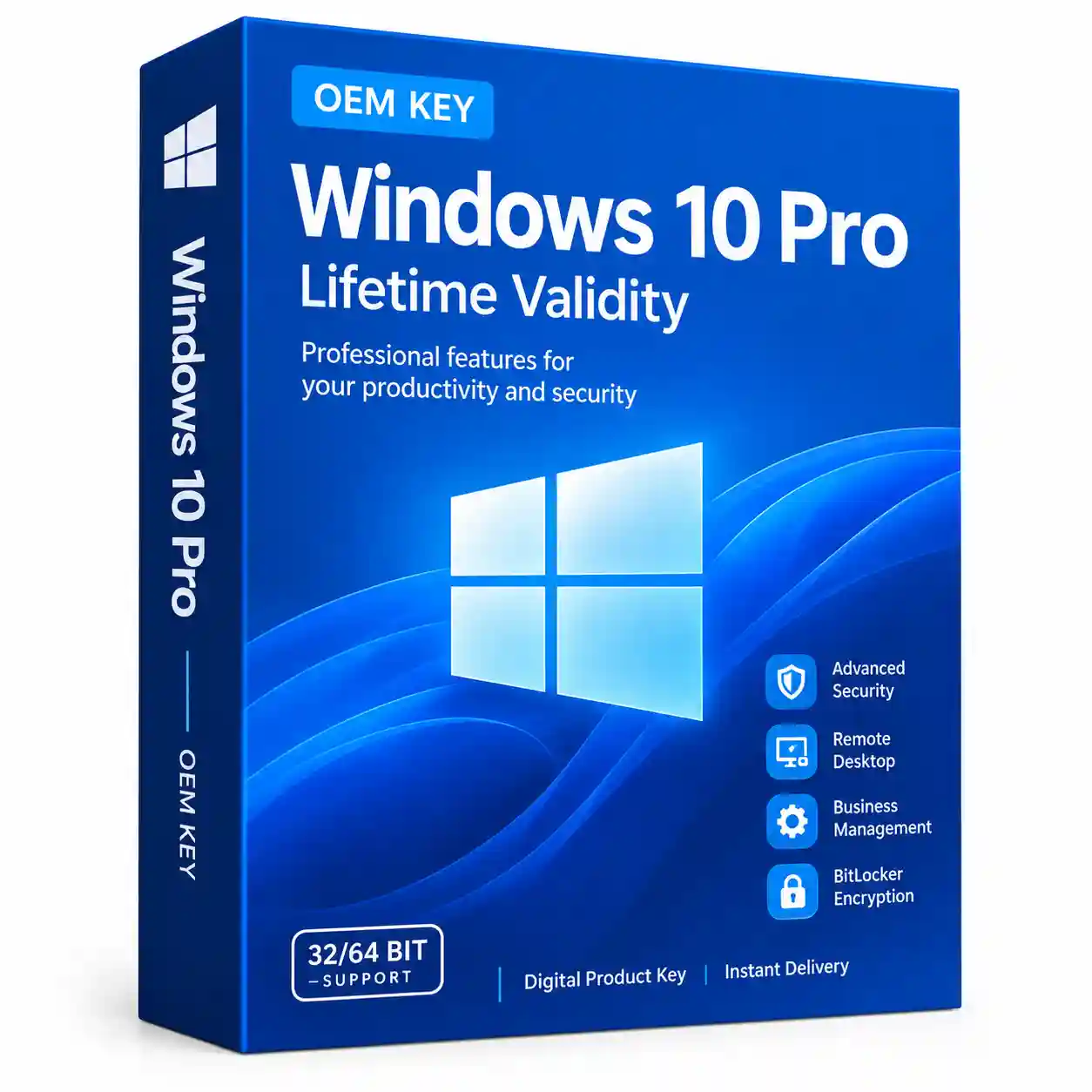

Windows 10 Pro OEM Key Lifetime Validity
Original price was: ₹8,000.00.₹399.00Current price is: ₹399.00.
✅Lifetime Validity with Updates.
✅Can be upgraded to Win 12 after the release free of cost.
✅Win 10 Pro Online Activation Support Available
Windows 10 Pro OEM Key – Lifetime Validity
Get a Windows 10 Pro OEM Key for activating Windows 10 Pro on your compatible PC or laptop. This Windows 10 Pro OEM License Key is suitable for users who want to activate Windows 10 Pro with a genuine product key and access professional Windows features.
The Windows 10 Pro Product Key can be entered through Windows Activation settings after installation. It is ideal for home users, professionals, students, freelancers, and small businesses using a compatible Windows 10 Pro system.
Windows 10 Pro OEM Key – Features
- ✅ Windows 10 Pro OEM Product Key
- ✅ Online Windows Activation
- ✅ Lifetime validity on the activated device
- ✅ Suitable for PC and Laptop
- ✅ Supports 32-bit & 64-bit Windows 10 Pro
- ✅ Digital product – no physical DVD required
- ✅ 25-character Windows product key
- ✅ Easy online activation
- ✅ Suitable for fresh installation or compatible Pro activation
- ✅ Instant digital delivery after purchase
- ✅ Installation and activation assistance
Important OEM License Information
An OEM license is generally intended for the device with which it is licensed and does not have the same transfer rights as a standalone retail license. Microsoft’s OEM terms distinguish software preinstalled on a device from stand-alone software when discussing transfer rights.
Therefore, this Windows 10 Pro OEM Key should be purchased for the PC/device where you intend to use the license.
What You Get
After purchasing the Windows 10 Pro OEM Key, you will receive:
- 🔑 1 × Windows 10 Pro OEM Product Key
- 📧 Digital product key delivery
- 📖 Installation & activation instructions
- 💻 Activation support
No physical DVD, USB drive, or physical product is required.
Windows 10 Pro OEM System Requirements
Before installing Windows 10 Pro, make sure your PC meets the following minimum requirements:
| Requirement | Minimum Specification |
|---|---|
| Processor | 1 GHz or faster compatible processor |
| RAM | 1 GB for 32-bit / 2 GB for 64-bit |
| Storage | 32 GB or larger |
| Display | 800 × 600 or higher |
| Graphics | DirectX 9 or later with WDDM 1.0 driver |
| Internet | Internet connection recommended for activation |
| Edition | Windows 10 Pro |
Note: Actual requirements may vary depending on Windows features, applications, updates, and hardware configuration.
How to Install Windows 10 Pro?
Method 1 – Install Windows 10 Pro
- Download the Windows 10 installation media from Microsoft’s official website.
- Create a bootable USB drive if performing a clean installation.
- Start the Windows installation process.
- Select Windows 10 Pro when choosing the Windows edition.
- Follow the on-screen instructions to complete installation.
- Connect your PC to the internet.
Method 2 – Activate Windows 10 Pro With Product Key
If Windows 10 Pro is already installed:
- Open Settings.
- Go to Update & Security.
- Select Activation.
- Click Change product key.
- Enter your 25-character Windows 10 Pro OEM Key.
- Follow the instructions to complete activation.
Microsoft’s activation instructions also use the Settings → Update & Security → Activation → Change product key path for entering a Windows 10 Pro product key.
How to Check Windows 10 Pro Activation?
After entering your product key:
Settings → Update & Security → Activation
Check the Windows activation status shown on the page.
You can also use Windows activation commands from an elevated Command Prompt to check license and activation information.
Why Choose Windows 10 Pro?
Windows 10 Pro includes professional features that go beyond the standard Home edition.
BitLocker
Windows 10 Pro supports BitLocker Drive Encryption on compatible systems, helping protect data stored on supported drives.
Remote Desktop
Windows 10 Pro supports Remote Desktop, allowing compatible PCs to be accessed remotely when the feature is properly configured.
Business & Management Features
Windows 10 Pro provides additional professional management and networking capabilities, making it suitable for business and professional environments.
Windows 10 Pro Activation
A valid Windows 10 Pro Activation Key can be entered through Windows Activation settings to activate the installed Pro edition.
Windows 10 Pro OEM Key vs Retail Key
The main difference is the licensing model.
| Feature | OEM Key | Retail Key |
|---|---|---|
| Windows 10 Pro Activation | ✅ | ✅ |
| Online Activation | ✅ | ✅ |
| Digital Product | ✅ | ✅ |
| Intended for PC/device | ✅ | ✅ |
| Transfer rights | More restricted | Generally broader |
| Best for | One compatible device | Users needing greater transfer flexibility |
Always check the applicable license terms for your specific product and jurisdiction.
Frequently Asked Questions
What is a Windows 10 Pro OEM Key?
A Windows 10 Pro OEM Key is a product key used to activate Windows 10 Pro on a compatible device under the applicable OEM licensing terms.
Is the Windows 10 Pro OEM Key lifetime valid?
The key is intended to provide activation for the licensed device according to the applicable license terms. “Lifetime” refers to the license/activation rather than continued Microsoft support for Windows 10.
Can I activate Windows 10 Pro online?
Yes. Windows provides an online activation process when the PC is connected to the internet and the product key can be successfully validated.
Can I use an OEM key on another computer?
OEM licensing is generally associated with the licensed device and has more restricted transfer rights than standalone retail software.
Can I use this key for Windows 10 Home?
The product is intended for Windows 10 Pro. If you have Windows 10 Home installed, you may need to upgrade the edition to Pro before activation.
Is this a physical product?
No. This is a digital Windows 10 Pro OEM Product Key. No physical DVD or USB is included.
Does Windows 10 still work after end of support?
Yes. Microsoft states that Windows 10 PCs continue to function after end of support, but standard security updates, feature updates, and technical support are no longer provided.
When did Windows 10 support end?
Microsoft ended standard support for Windows 10 on October 14, 2025. Eligible users who need additional protection can consider Microsoft’s Extended Security Updates (ESU) program.
Buy Windows 10 Pro OEM Key Online
Looking for a Windows 10 Pro OEM Key Online?
Get your Windows 10 Pro OEM License Key from Digikeykart and receive your digital product key with installation and activation instructions.
Order your Windows 10 Pro OEM Key today and activate Windows 10 Pro on your compatible PC.
SEO Keywords
Windows 10 Pro OEM Key, Windows 10 Pro OEM License Key, Windows 10 Pro Product Key, Windows 10 Pro Activation Key, Windows 10 Pro Key, Windows 10 Pro OEM Product Key, Windows 10 Pro License Key, Windows 10 Pro Key Online, Buy Windows 10 Pro Key Online, Windows 10 Pro OEM Key Online, Windows 10 Pro Digital License, Windows 10 Pro Activation, Windows 10 Pro Genuine Key, Windows 10 Pro 32 Bit 64 Bit Key.
Reviews
There are no reviews yet.