
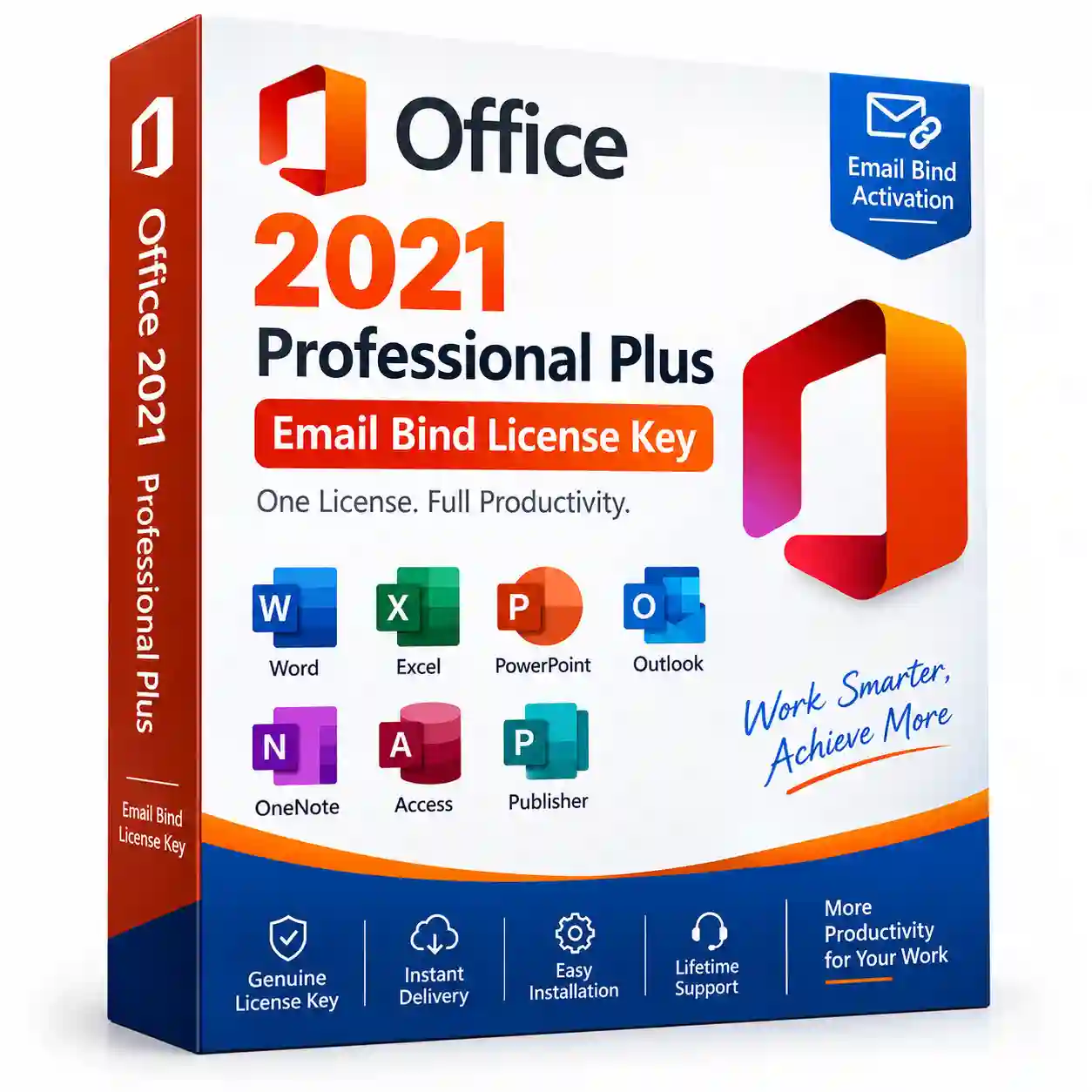

Office 2021 Professional Plus Email Bind License Key
Original price was: ₹33,900.00.₹6,599.00Current price is: ₹6,599.00.
- Lifetime Validity with Updates.
- Gets linked to a MS Email Account and can be used even after the change of Hardware and can be transferred to any computer/Laptop multiple times
- 100 % Genuine key.
- Works Across the World
- Online Activation Support Available
Office 2021 Professional Plus Email Bind License Key
Get Office 2021 Professional Plus Email Bind License Key for a powerful suite of productivity applications designed for professional, business, and everyday use. Office 2021 provides essential desktop applications including Word, Excel, PowerPoint, Outlook and other productivity tools, depending on the edition and license type.
With an Office 2021 Professional Plus Key, you can work on documents, spreadsheets, presentations, emails and other professional tasks with a one-time Office 2021 license rather than a Microsoft 365 subscription.
Features of Office 2021 Professional Plus Email Bind License Key –
- Office 2021 Professional Plus product key
- Email/account binding activation where supported by the supplied license
- One-time purchase Office license
- Professional productivity applications
- Create and edit Word documents
- Create powerful Excel spreadsheets
- Design professional PowerPoint presentations
- Manage email and calendars with Outlook where included
- Suitable for home, office and business use
- Supports Windows 10 and Windows 11 for applicable Office 2021 editions
- Digital license delivery
- Easy installation and activation
- 32-bit and 64-bit Office installation options where supported
- Regular Office security updates during Microsoft’s applicable support period
Office 2021 Applications
Depending on the specific Office 2021 Professional Plus edition/license supplied, applications may include:
- Microsoft Word – Create and edit documents
- Microsoft Excel – Spreadsheets, calculations and data analysis
- Microsoft PowerPoint – Presentations and slides
- Microsoft Outlook – Email, calendar and contacts
- Microsoft OneNote – Notes and information management
- Microsoft Access – Database management
- Microsoft Publisher – Desktop publishing
Microsoft lists Office LTSC Professional Plus 2021 as including Access, Excel, OneNote, Outlook, PowerPoint, Publisher, Skype for Business, Teams and Word.
System Requirements –
Before installing Office 2021 Professional Plus, make sure your computer meets the applicable requirements.
- Processor: 1.1 GHz or faster, 2-core processor
- RAM: 4 GB RAM
- Storage: At least 4 GB available disk space
- Display: 1280 × 768 or higher
- Graphics: DirectX 9 or later with compatible graphics acceleration
- Operating System: Windows 10 or Windows 11 for applicable Office LTSC 2021 editions
- Browser: Current version of Microsoft Edge, Chrome or Firefox
- Internet: Internet connection required for certain activation and online functionality
- Architecture: 32-bit or 64-bit depending on the supported installation
Microsoft’s published requirements for Office LTSC Professional Plus 2021 specify a 1.1 GHz 2-core processor, 4 GB RAM, 4 GB available storage and 1280 × 768 display resolution.
How to Install Office 2021?
Step 1 – Remove Previous Office Version
If an older or incompatible version of Microsoft Office is already installed, uninstall it before installing Office 2021 to help avoid installation and activation conflicts.
Step 2 – Download Office 2021
Download the appropriate Office 2021 installation files from the official Microsoft source or the installation method provided with your license.
Step 3 – Install Office
Run the Office setup and follow the on-screen instructions. Select the required installation options and allow the installation to complete.
Step 4 – Sign In or Redeem Your License
For supported retail-style Office product keys, Microsoft directs users to Office.com/setup to redeem a new unused product key and associate the Office product with a Microsoft account.
Step 5 – Activate Office
Open Word, Excel or another installed Office application and complete the activation process using the Microsoft account or activation method associated with your license.
Step 6 – Verify Activation
Open an Office application and go to File → Account to check the installed Office edition and activation status.
Important Information
The exact activation and account-binding process depends on the license channel supplied with the product. Microsoft notes that Office Professional Plus 2021 can be distributed through volume licensing, where installation and activation can differ from consumer Office purchases.
Make sure you purchase a license from an authorized and legitimate source. Microsoft warns that separately sold product keys can sometimes be unauthorized or subsequently blocked.
Why Choose Office 2021 Professional Plus?
Office 2021 Professional Plus is designed for users who need desktop productivity software for documents, spreadsheets, presentations, email and professional work. It is suitable for business users, professionals, students, freelancers and home users, subject to the applications included with the particular license.
Reviews
There are no reviews yet.